Illustrative image
Borisia
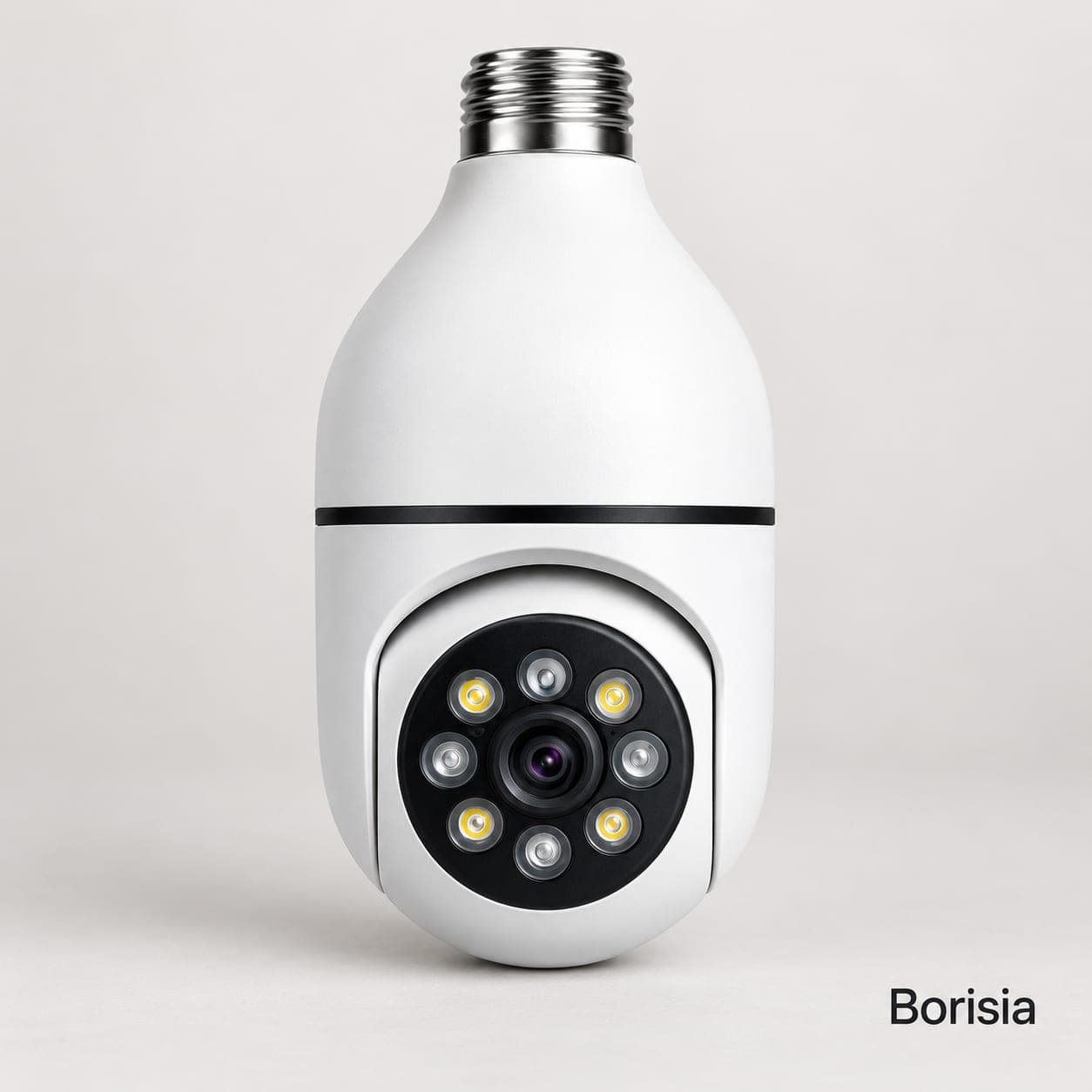
WiFi light-bulb security camera for the home with E27 fitting
Get it between Tuesday 10 November and Thursday 12 November
No card: you pay the courier in cash.
Sold by Extrapy · Pay on delivery · WhatsApp
Free shipping
By law: 14 days to return your order · 3-year legal guarantee
What it does
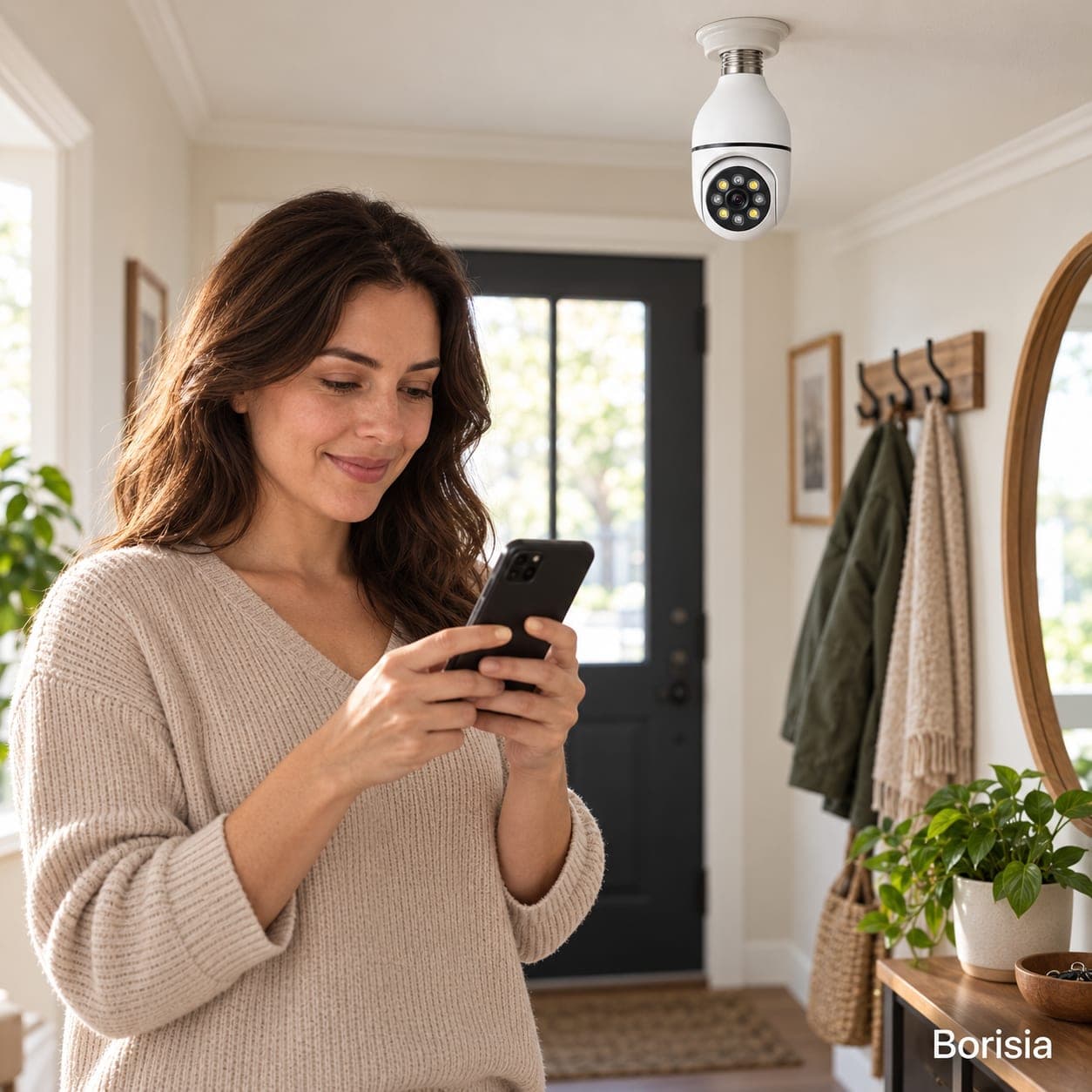
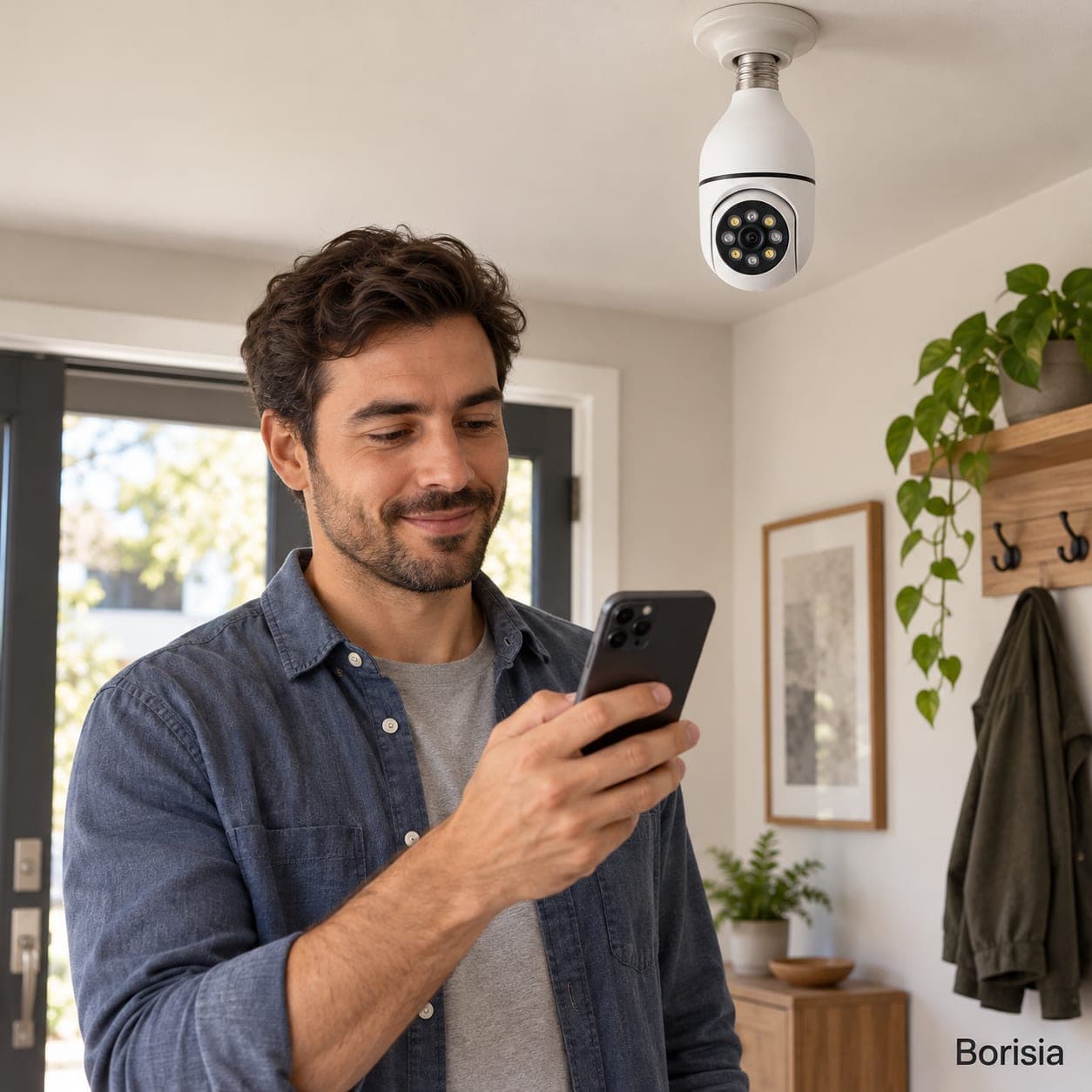
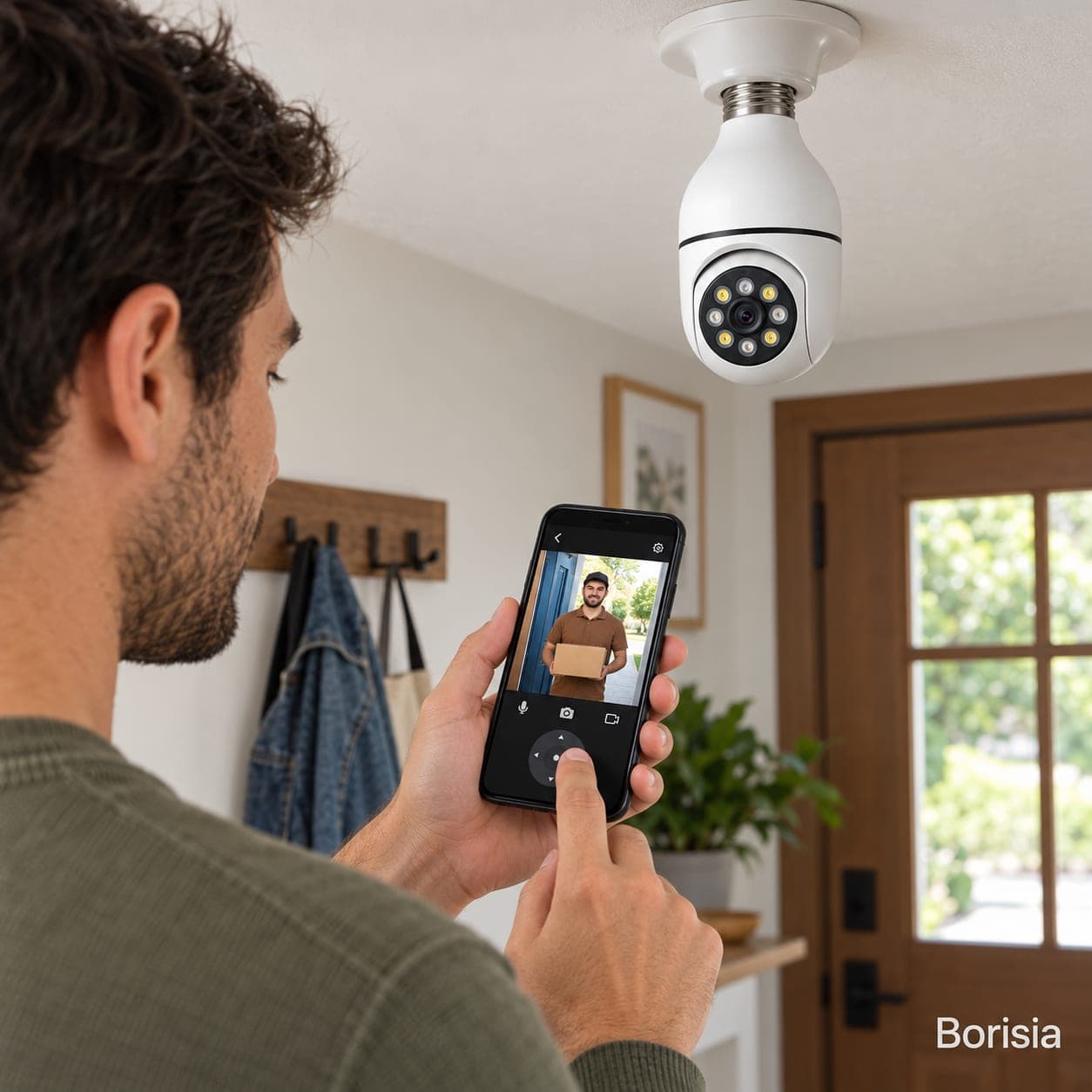
A home security camera shaped like a light bulb that screws into an E27 lamp holder and connects to your WiFi. It turns to cover the room, has a microphone and speaker and lets you check your home from your phone while you are out. No building work or new cables.
Specifications
| Product type | WiFi home security camera shaped like a light bulb, with a rotating head |
|---|---|
| Fitting and power | E27 screw fitting; 100-240 V AC |
| Resolution | 1080p (1920 × 1080) |
| Head rotation | 355° horizontal and 90° vertical, from the app |
| Connectivity and app | 2.4 GHz WiFi (5 GHz not supported); free app for Android and iOS |
| Audio and alerts | Built-in microphone and speaker; motion detection alerts |
| Night vision | Infrared, black-and-white image up to about 10 m |
| Storage | microSD card up to 128 GB (not included); optional cloud with paid subscription |
| Use and colour | Indoors or covered outdoor areas; white |
| Guarantee | 3-year legal guarantee |
What's in the box
- 1 Borisia light-bulb camera
- Quick start guide
- Instruction manual with privacy notes
Read the full description
Borisia is a home security camera shaped like a light bulb. It screws into an E27 lamp holder, connects to your WiFi and lets you check from your phone that all is well in the hallway, living room, garage or storeroom while you are out. It is a visible camera, with the lens and head clearly on show, made for protecting your own home.
A WiFi light-bulb camera: screw it in and connect it to your network
The big advantage of this format is installation. You do not need to run cables or find a socket on the ceiling: you use a lamp holder you already have, such as a hallway ceiling light or a wall lamp in the garage. The camera draws power from the lighting circuit itself and pairs with your router through the phone app.
A rotating security camera to see the whole room
The head turns horizontally and tilts vertically, so from the app you can aim it at the front door, the patio window or the corner where you keep the bicycle. The rotation angles, image resolution and night vision are listed in the specifications table.
Two-way audio, alerts and recordings
It has a microphone and a speaker, so you can talk to whoever is at home from your phone, for example to let the family know you will be late or to tell a courier where to leave a parcel. When it detects movement it sends you a notification.
Recordings are stored on a microSD card, bought separately, or in the cloud through an optional paid subscription. The supported card size and the cloud terms are in the specifications.
How to install it
Switch off the light
Turn off the switch for that lamp and wait for the old bulb to cool before removing it.
Screw in the camera
Insert the microSD card if you plan to use one and screw the camera into the E27 lamp holder.
Pair it with the app
Switch the light on, open the app and follow the steps to connect it to your 2.4 GHz WiFi.
Aim it at your home only
Adjust the view so it covers your home and not the street, the landing or the neighbours' windows.
Leave the switch on
The camera needs constant power: tell everyone at home so nobody switches that lamp off.
Care and maintenance
Clean the lens now and then with a soft, dry cloth, always with the light switched off. Change the default password, use a strong password in the app and accept its updates. Install it indoors or under cover, away from rain and from enclosed lamps where a lot of heat builds up.
Frequently asked questions
Does the WiFi light-bulb camera work on 5 GHz WiFi?
Cameras of this type usually connect only to 2.4 GHz networks; the supported band is listed in the specifications table. Most home routers broadcast on both bands at once, so you usually just choose the 2.4 GHz network during setup. Place the camera where the signal is good.
Do you have to pay a subscription to record?
It is not compulsory. You can record to a microSD card, bought separately, and watch the live picture in the app. The cloud is an optional paid service from the app provider; check its prices and terms before signing up and read where the videos are stored.
Is it legal to put a security camera in your home?
Generally you can use a camera inside your home to protect it, but you must respect the GDPR: do not record the street, shared areas or neighbouring homes, tell the people you live with and your visitors, and do not record employees without following the specific rules. If in doubt, read the Spanish Data Protection Agency's guidance.
Does the light-bulb security camera also give light?
It depends on the model: some include an LED light that you switch on from the app and others only use infrared for night vision. What this camera has is in the specifications table. If you need good lighting in that room, plan on another lamp as well as the camera.
Can you fit the 360 light-bulb camera outdoors?
Only in a covered spot, such as a porch or an open garage, protected from rain and direct sun; the specifications show the intended use. Aim it at your own property and never at the street, the pavement or neighbouring plots, because a private individual is not allowed to record those spaces.
What happens if someone switches the light off?
The camera loses power and stops recording and sending alerts until it is switched back on. That is why it is best to fit it in a lamp whose switch stays on and to explain this to everyone at home. When the power comes back it reconnects to your WiFi by itself.