Illustrative image
Firisia
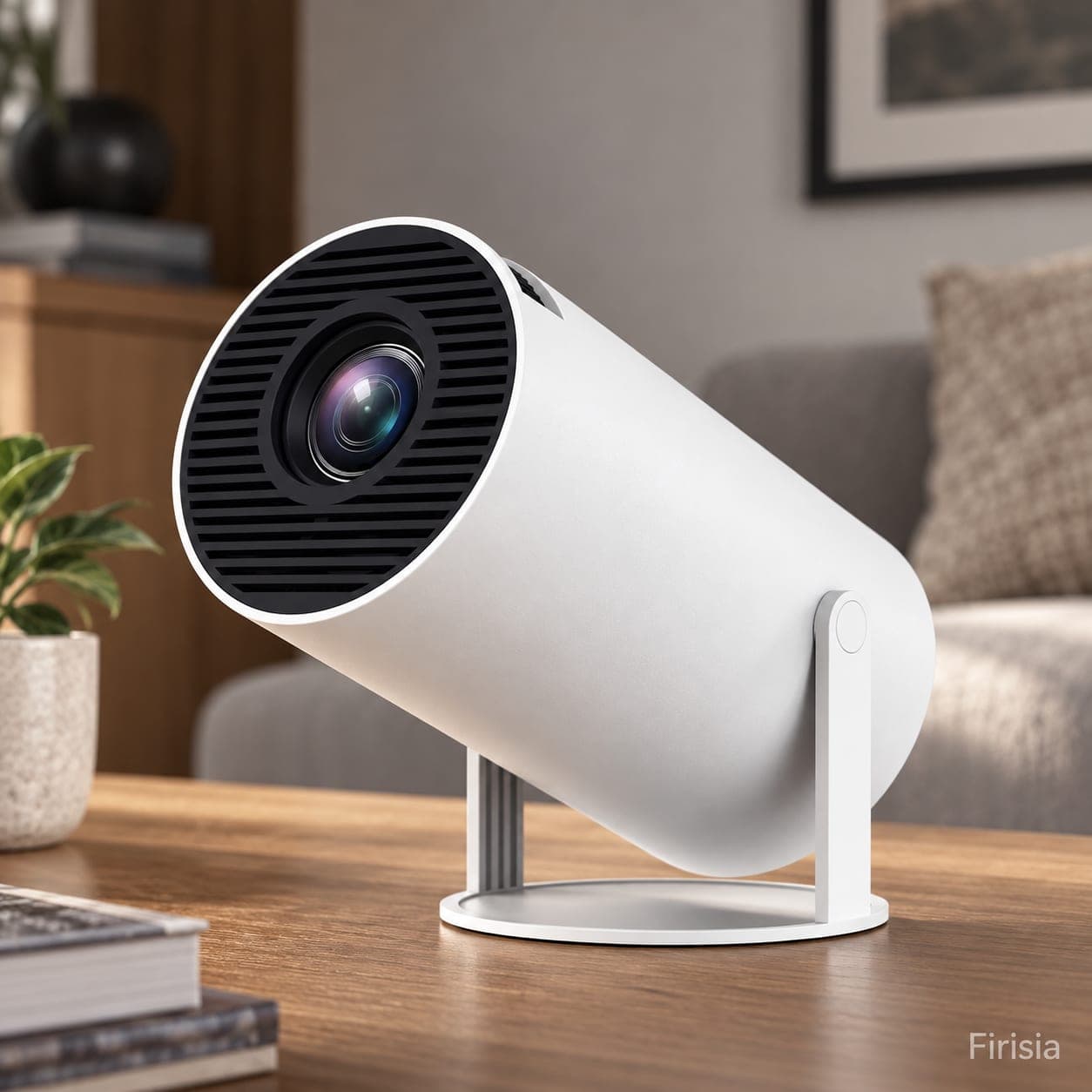
Portable mini projector for ceiling and wall
Get it between Tuesday 10 November and Thursday 12 November
No card: you pay the courier in cash.
Sold by Extrapy · Pay on delivery · WhatsApp
Free shipping
By law: 14 days to return your order · 3-year legal guarantee
What it does
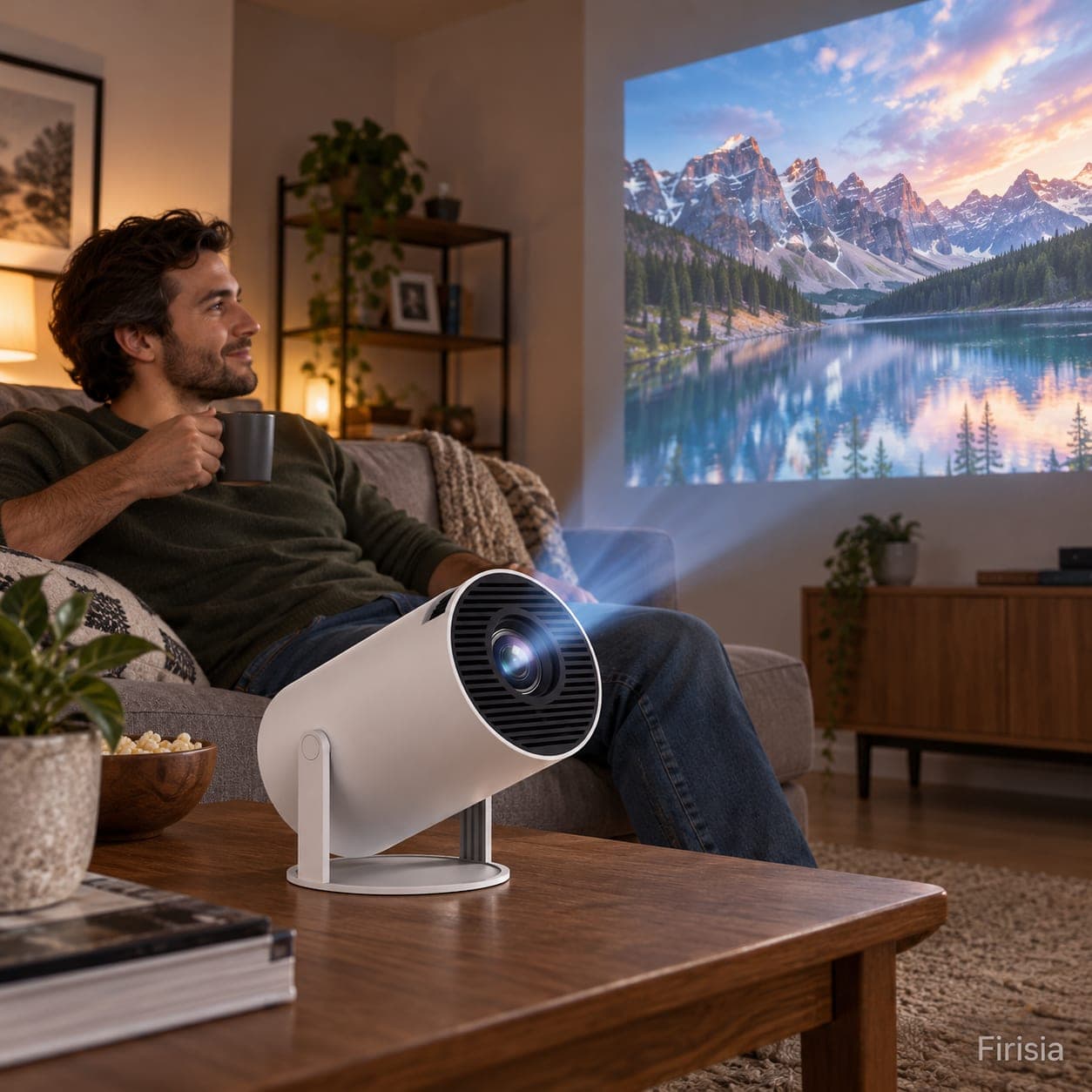
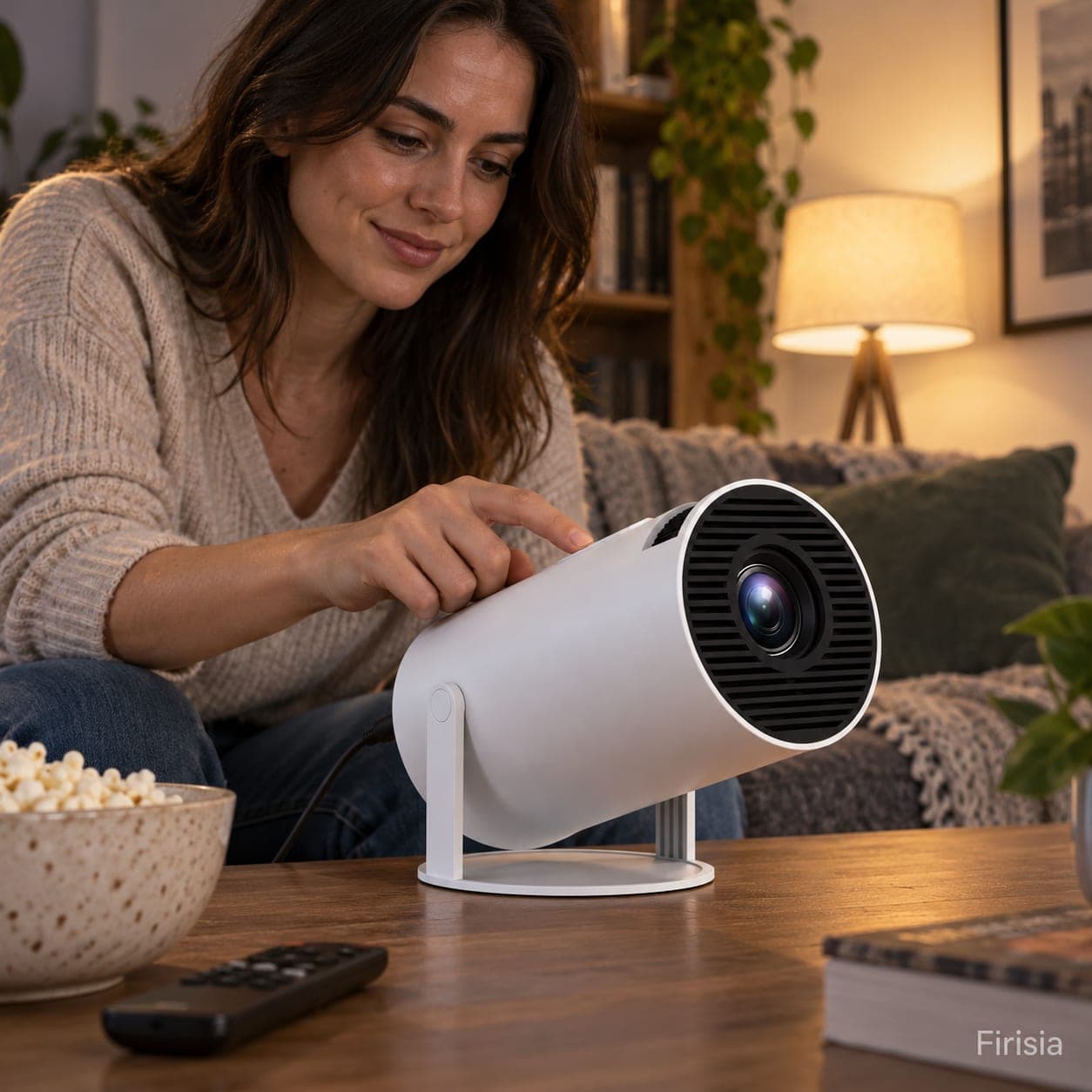
A compact mini projector for watching films, series or photos on the living-room wall or the bedroom ceiling. It fits on a shelf, moves from room to room in a moment and is operated by remote control. It performs best with the lights off or the blinds down.
Specifications
| Product type | Portable LED mini projector for home use |
|---|---|
| Resolution | Native 1280 × 720 pixels; accepts input signals up to 1920 × 1080 |
| Brightness | About 120 ANSI lumens |
| Picture size | 40 to 120 inches diagonal depending on distance; about 60-80 inches at 1.5-2.5 m recommended |
| Wireless connectivity | Dual-band WiFi (2.4 and 5 GHz) for apps and screen mirroring; Bluetooth for speakers or headphones |
| System and apps | Android-based system with an app store; which streaming apps are available, and whether they are certified, depends on the installed system |
| Ports and sound | 1 HDMI, 1 USB, 3.5 mm audio output; built-in speaker |
| Picture adjustment and stand | Focus, keystone correction, picture rotation and flip; swivel stand for projecting onto wall or ceiling |
| Dimensions, weight, colour and power | Approx. 17 × 11 × 10 cm; 850 g; white; mains adapter, no battery |
| Guarantee | 3-year legal guarantee |
What's in the box
- 1 Firisia mini projector
- Remote control
- Mains adapter
- Instruction manual
Read the full description
Firisia is a portable mini projector for watching films, series, matches or holiday photos on a big picture without adding another TV to the home. It is designed for small flats, bedrooms and student rooms, and for anyone who wants an occasional film night projecting onto a white wall or the ceiling, with the lights off.
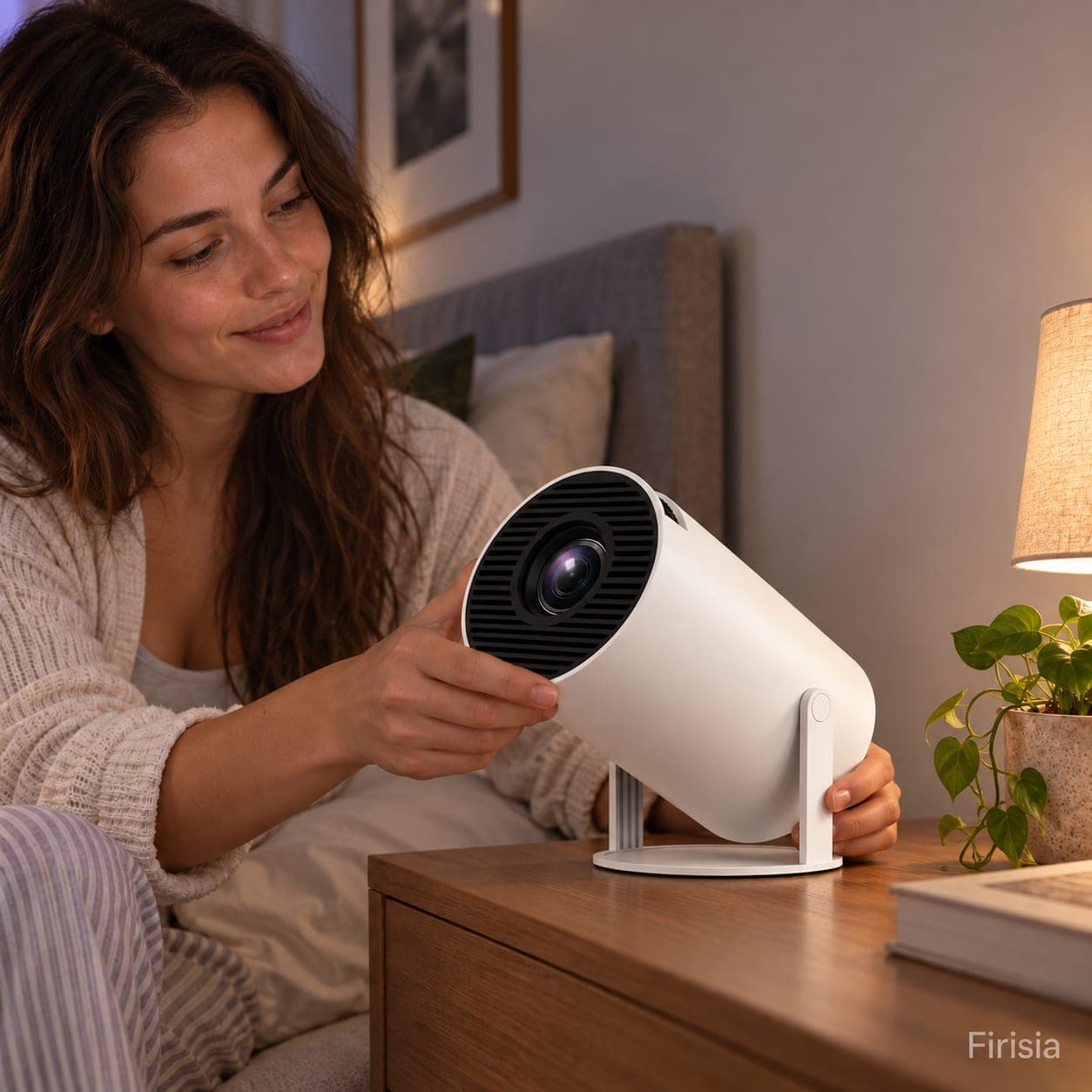
A ceiling projector: cinema from your bed
Placed on the bedside table and pointed upwards, it projects the picture onto the bedroom ceiling so you can watch lying down, without sitting up or hanging anything. From the menu you can rotate or flip the picture so it appears the right way up in any position. The orientation settings and the type of stand on this model are listed in the specifications table.
A mini projector for bedrooms and small flats
It takes up little more space than a large book, so it fits on a shelf, the bedside table or a low living-room unit. When you are not using it, you put it away in a cupboard and the wall goes back to being a wall. You can carry it from one room to another with one hand: the living room for a family film, the bedroom for a series before bed.
The size of the picture depends on the distance to the wall: the further away, the bigger it gets, but also the less bright. For a normal bedroom or living room you do not need a huge wall; the specifications table gives the recommended distance and size.
A projector for watching films at home from your phone, laptop or its apps
You can watch content from the projector's own apps or from another device connected to it, such as a laptop, a games console or a streaming device. The connection options, the system it runs and the apps available are in the specifications table. Bear in mind that some platforms do not allow phone screen mirroring for copyright reasons; in that case, use their app on the projector or a device connected by cable.
How to use it
Choose the surface
Find a smooth white wall or ceiling and lower the blinds or turn off the lights.
Position the projector
Put it on a stable surface, facing the wall or pointing at the ceiling, at the distance that gives the size you want.
Switch on and focus
Switch it on with the remote and adjust the focus until the menu text looks sharp.
Correct the picture
If the picture looks skewed or trapezoid-shaped, use the correction in the menu; if you project onto the ceiling, rotate it in the settings.
Choose what to watch
Open an app or select the input for the device you have connected.
Care and maintenance
Clean the lens with a dry microfibre cloth alone, without cleaning products or kitchen roll. Always keep the ventilation grilles clear: do not cover it with blankets or rest it on the bed or a cushion while it is running. When you switch it off, wait for the fan to stop before unplugging it and store it somewhere free of dust.
Frequently asked questions
Does a portable mini projector look good in daylight?
It is not ideal. In daylight or with the lamps on, the picture looks washed out and loses contrast, because the light in the room competes with the projector's light. It works well at night or with the blinds down. This model's brightness is in the specifications table.
How do you use a projector on the ceiling?
Place it on the bedside table or another stable surface and point it upwards. Then adjust the focus and, from the menu, rotate or flip the picture so it looks the right way up from the bed. A smooth white ceiling gives a better result than a textured or coloured one.
Can I connect my phone to the projector?
Yes, using the connection options listed in the specifications table. Bear in mind that some video platforms block screen mirroring for copyright reasons and you just see a black screen. In that case, open the app directly on the projector or connect a streaming device by cable.
Does it have streaming apps for series and films?
It has a system with an app store, but which platforms work and at what quality depends on the installed system, and not all of them are available on every projector. Check the specifications table. If the one you use is not there, connect a streaming device or a laptop by cable and you can watch its content without trouble.
What picture size does a bedroom mini projector give?
It depends on the distance to the wall or ceiling: the further away you place it, the bigger the picture, but also the dimmer and less detailed it becomes. In a normal bedroom the picture is a good deal bigger than a typical TV. The specifications table gives the size range and the recommended distance.
Do I need a separate speaker?
For watching something in the bedroom or a small living room, the built-in speaker is enough. If you want fuller sound for a film or a match, you can connect an external speaker or headphones using the options listed in the specifications table. The fan can be heard a little in quiet scenes, as with any projector.